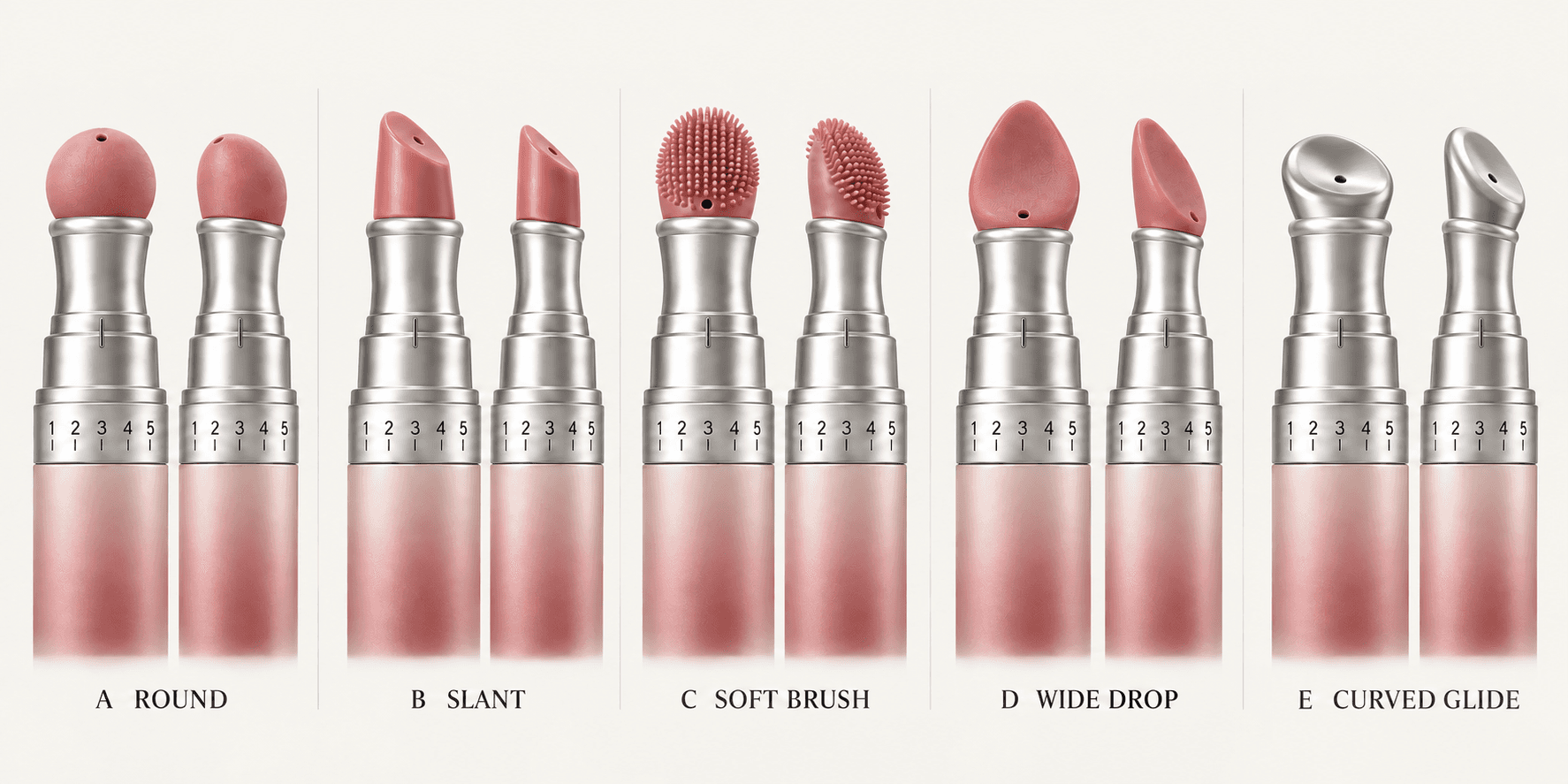
A
LIP DIAL
Choose one of the colour products suggested from your photo. LIP DIAL explores making that one colour softer or more defined.
No account needed · photos are processed on your device
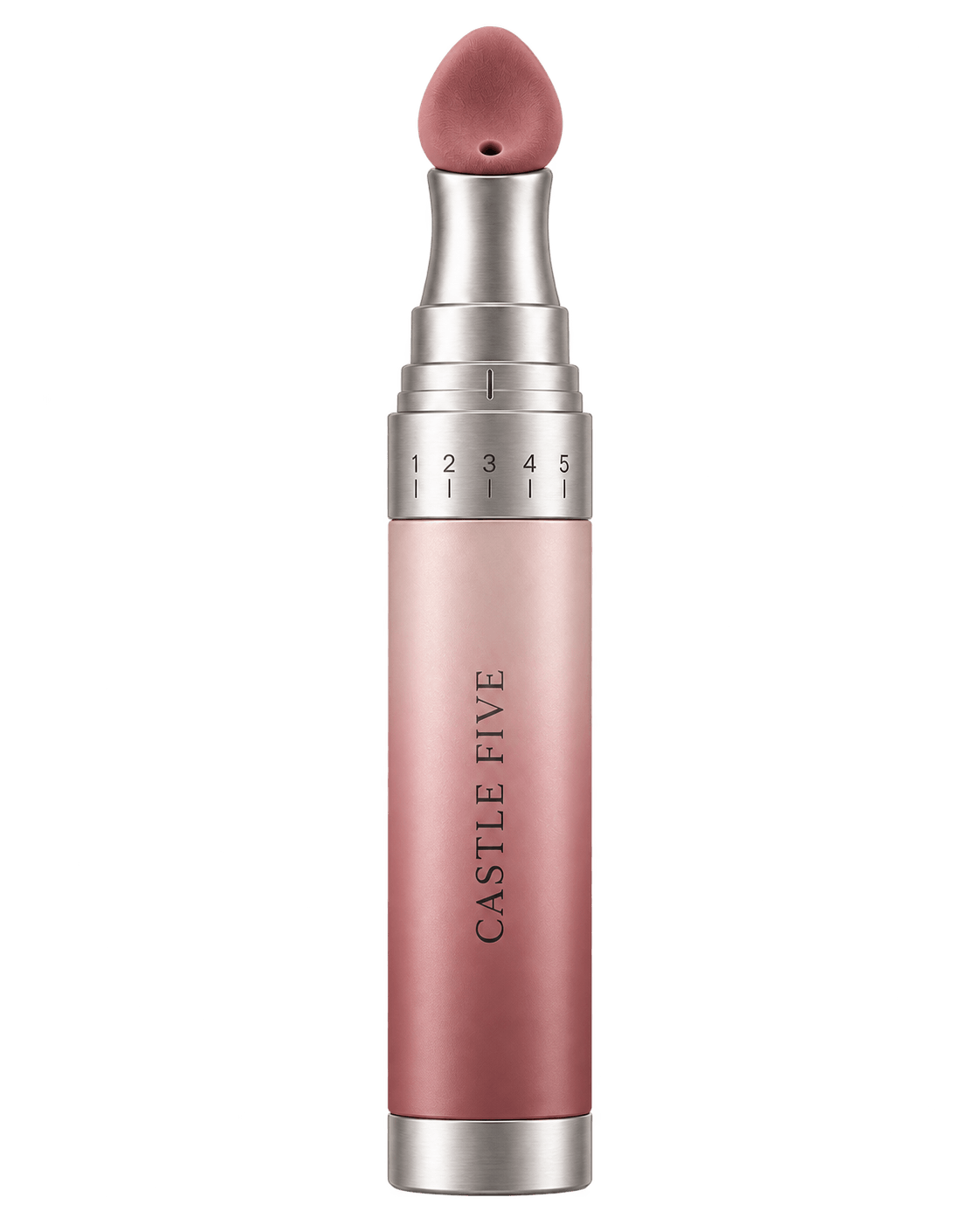
Intensity
HOW IT WORKS
First choose a colour product. Then adjust the intensity of that colour.
Visible lip and surrounding colour guide three colour-product concepts.
Choose one of the different colour products, such as rose, fig or coral.
Explore a softer or more defined expression of one original colour in one container.
The physical use concept is to set the dial, press onto the tip and apply. Dispensing and colour require product tests.
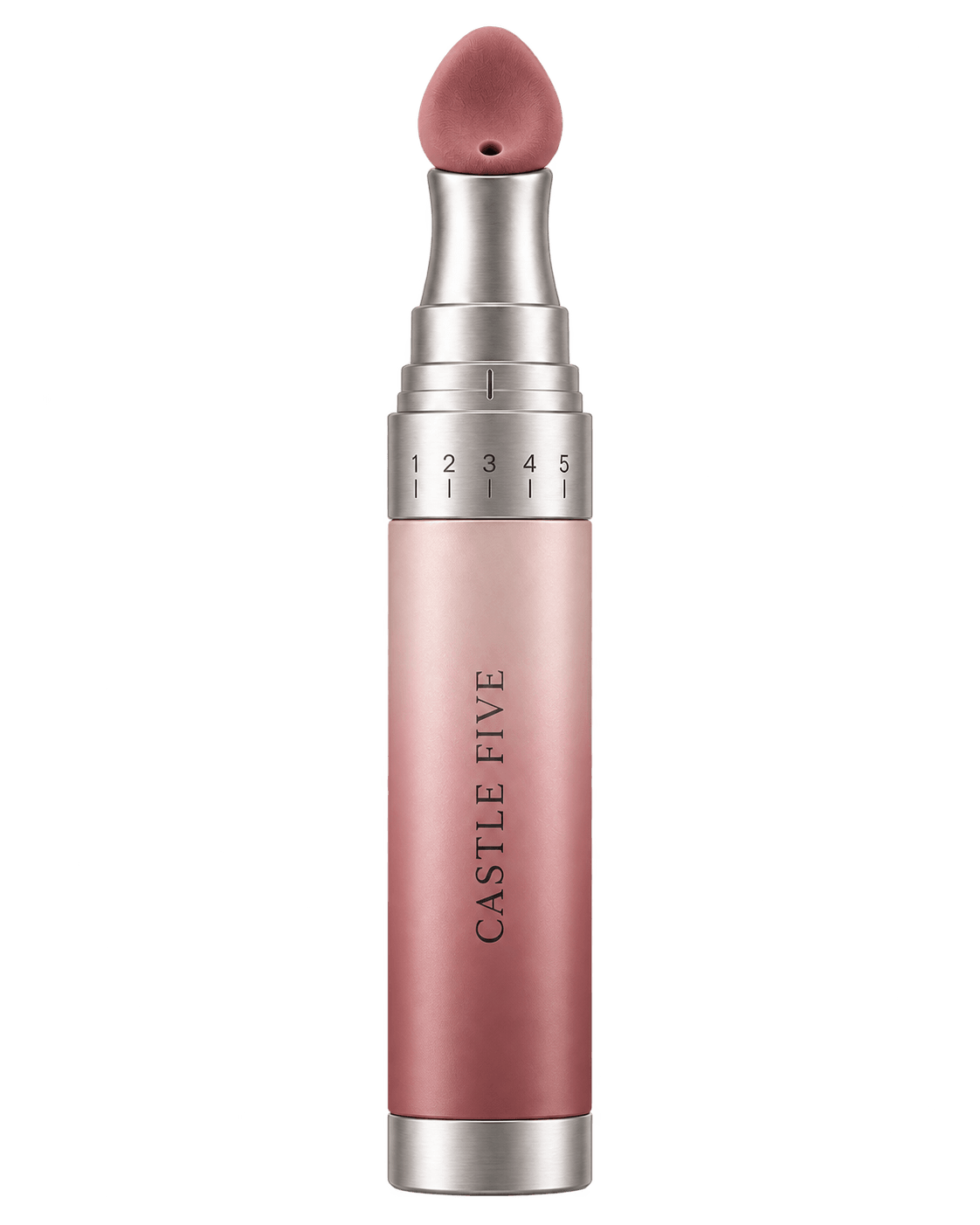
ONE COLOUR, YOUR INTENSITY
A soft expression today, a more defined one another day. LIP DIAL explores choosing colour intensity at the moment of use.
Screen example only. Colour results are confirmed after product tests.
THE PHYSICAL USE CONCEPT
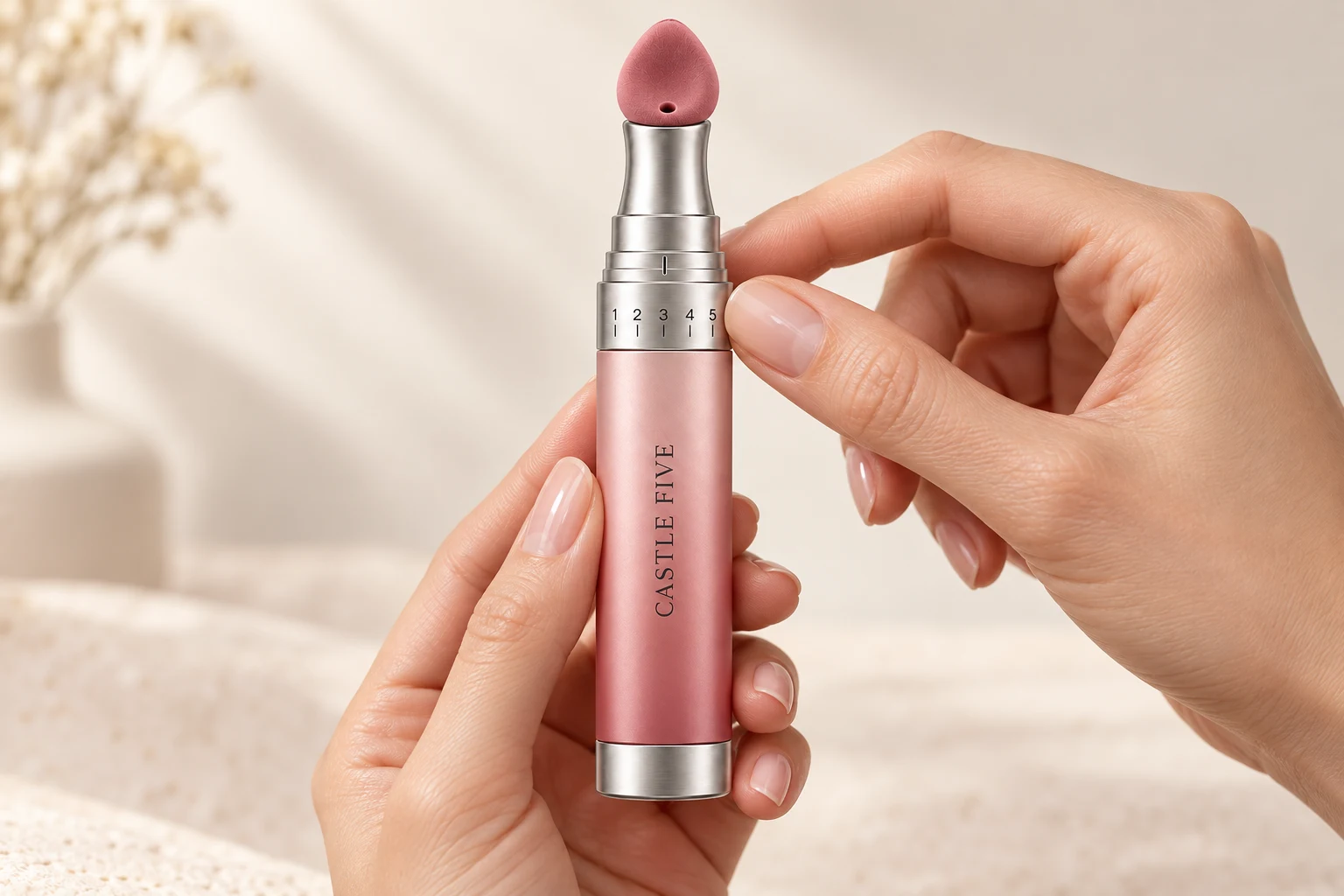
An experience conceived to select the intensity of one colour.
Press to collect a portion on the tip at your chosen setting, then apply.
Let the actual result guide the next adjustment.
This is a use concept in development. Dispensing, colour, hygiene and formulation compatibility require physical tests.
Visible lip and surrounding colour and contrast guide three colour-product candidates. You adjust the intensity of the colour you choose. Light, makeup and cameras can change the suggestions.
First choose a colour product, such as rose, fig or coral. One container has one original colour; the dial is conceived to adjust its intensity. Choosing another colour on screen compares a different colour product.
Choose a preferred expression without a photo. You can explore the same colours and intensity controls.
This experience currently runs on screen. It does not automatically control a real device. Colour concepts, settings, specifications and launch timing are not final.
THE LIP DIAL / DESIGN STUDY
Five tips. Two bodies. Choose the look you like and the shape you would try first.
These are development concepts. Materials and outlets are under review; feel, dispensing and color still require physical testing.
Compare the finish on the same tip and silhouette.
YOUR CHOICES
First tip: Not selected
Body: Not selected
YOUR COLOUR, YOUR CHOICE
Product concept in development · public tester recruitment is currently closed.
PRODUCT INTEREST SURVEY
Pick the one that interests you among the three products in development. No account or contact details needed.